[1st Gen] Regarding the NOAA weather fix

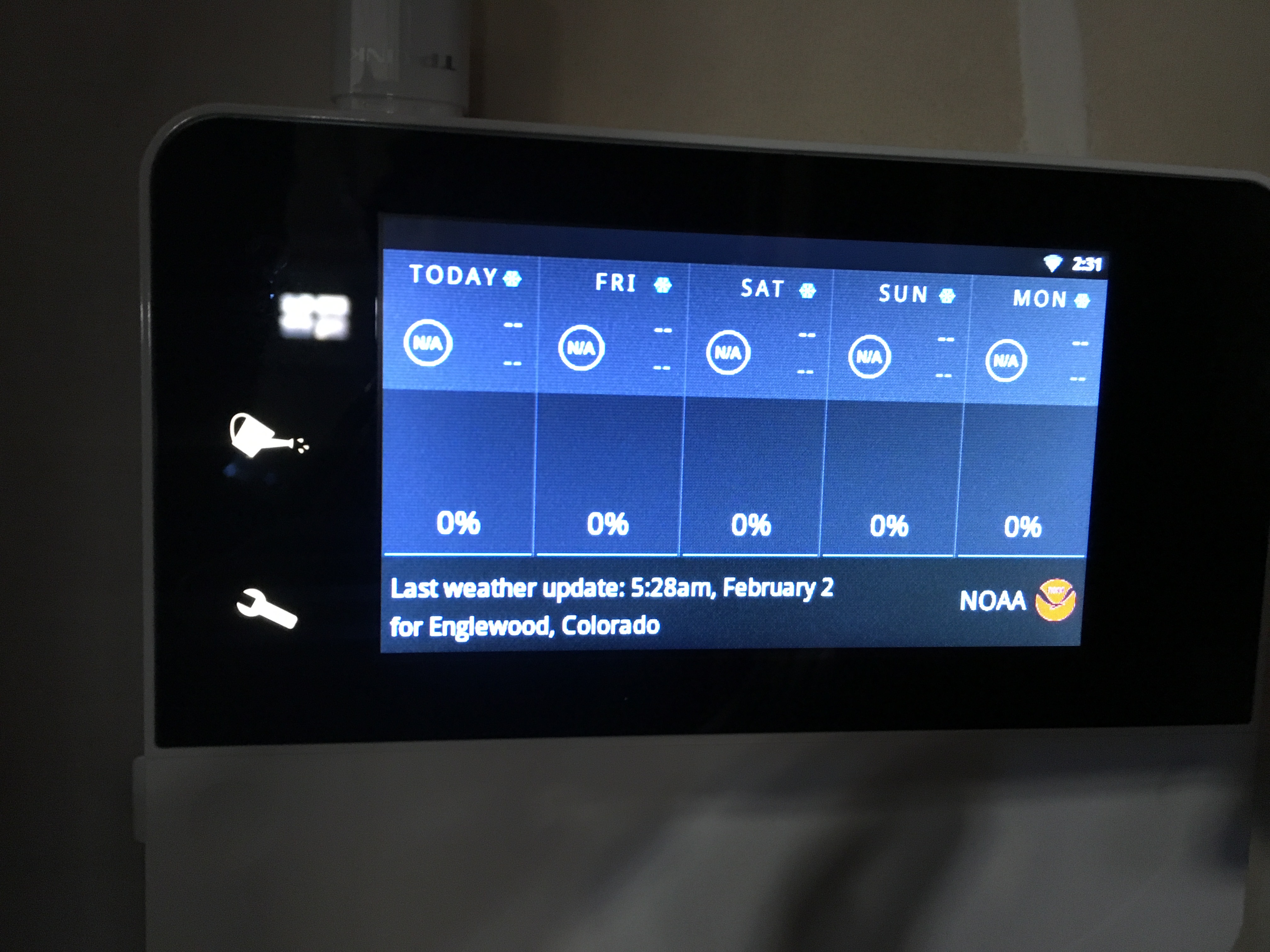
Thanks for the the quick firmware update to address the NOAA weather data update issue. The notes only reference the fix:
Fix for "NOAA live weather no longer being updated" issue.
Could someone confirm what this means in detail?
- NOAA weather updates are working again?
- A different source has been implemented?
- We are relying on historical data at the moment?
Much appreciated // pascal
-

Hi,
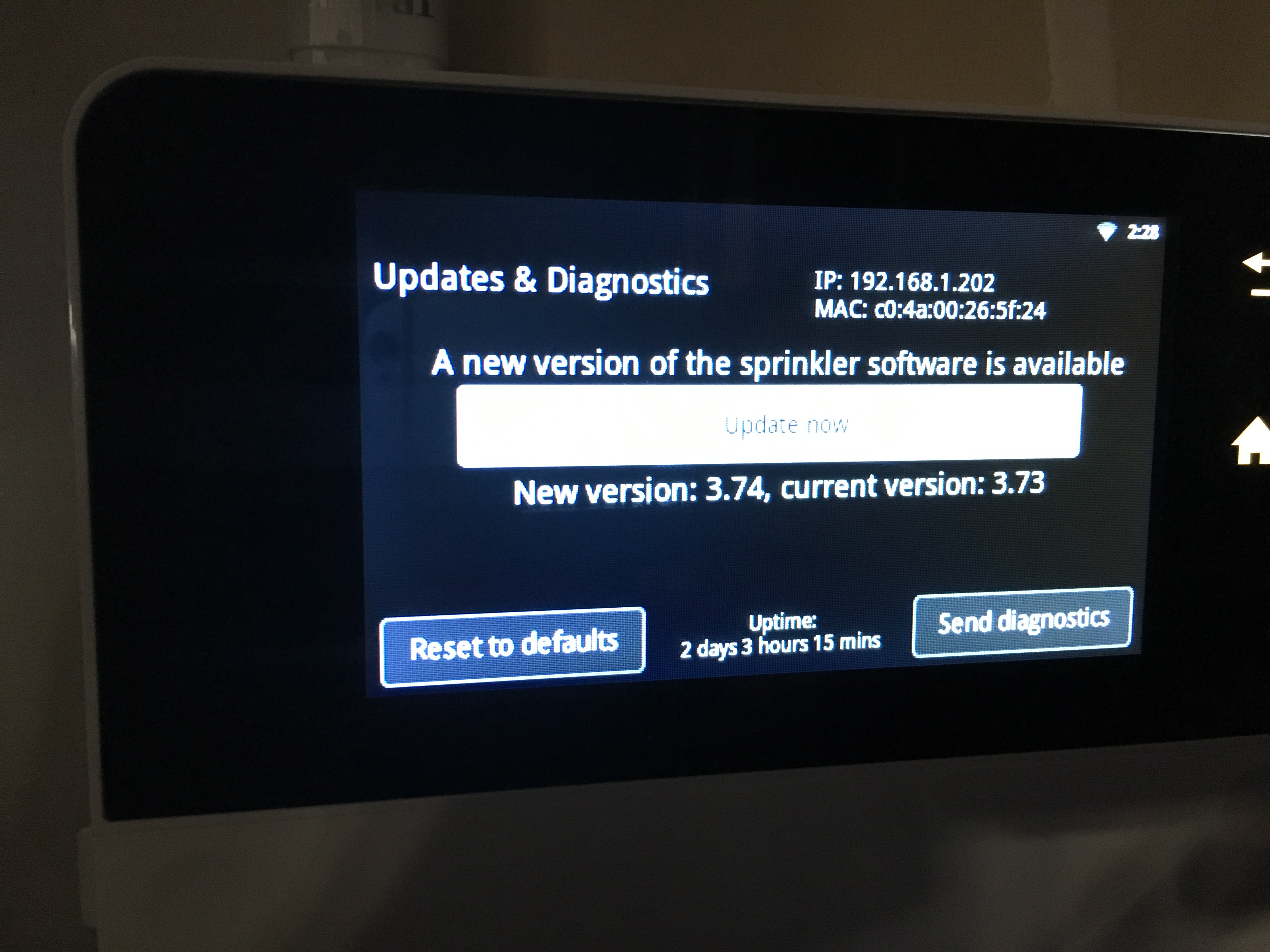
The Generation 1 devices updated to 3.74 should refresh weather automatically in a few minutes. If it seems to take longer you can try to reconnect to your WIFI which should trigger the weather update again.
The whole mess with two updates being released, is that NOAA services changed infrastructure twice in short time span.
In 3.73 we added a simple fix but with 3.74 we took a better approach that should be more future proof.
In 3.74 we try NOAA services first and only if they fail or respond with invalid data we try our own forecast server (which is still based on NOAA but we have control over it).
-

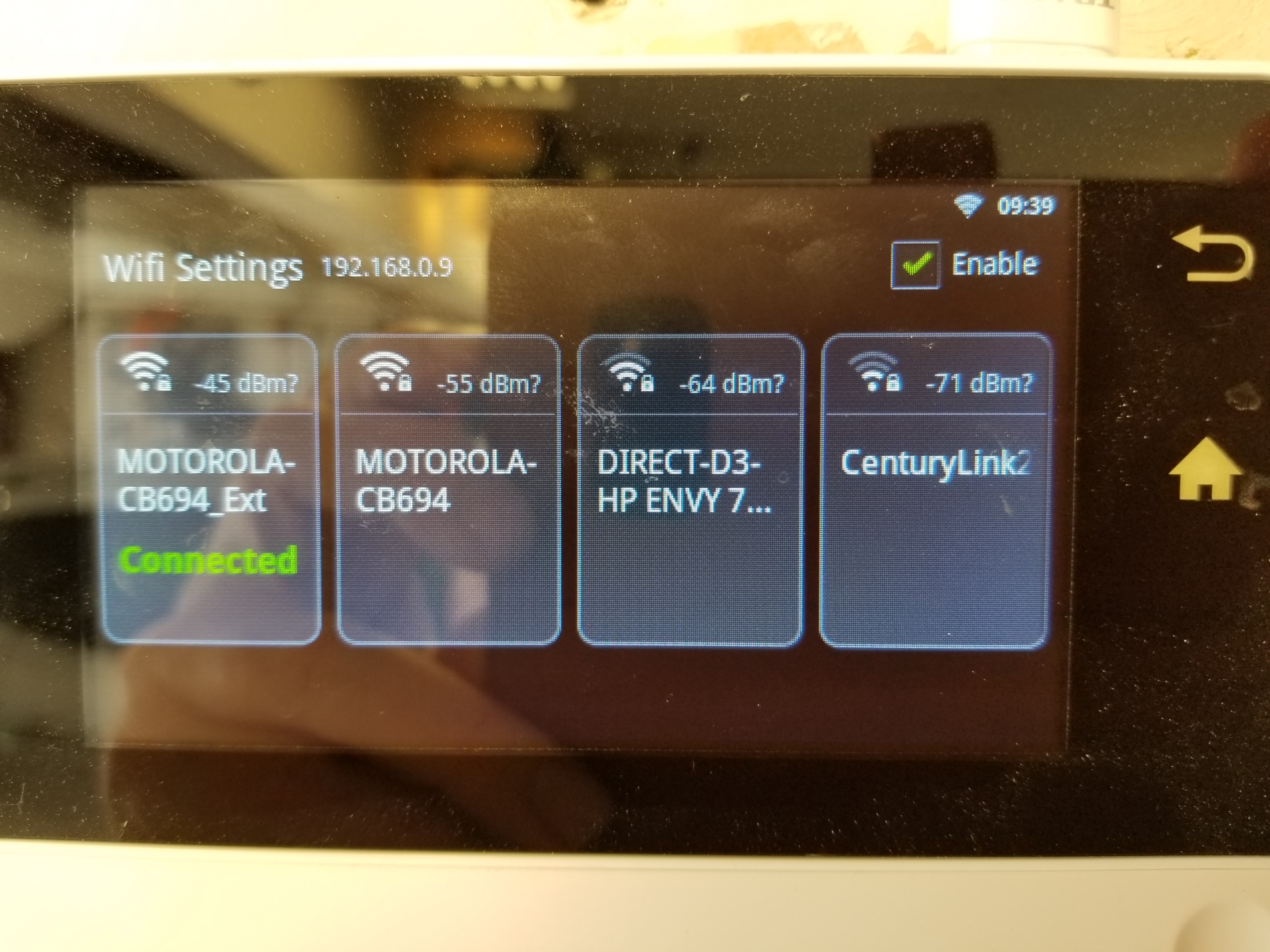
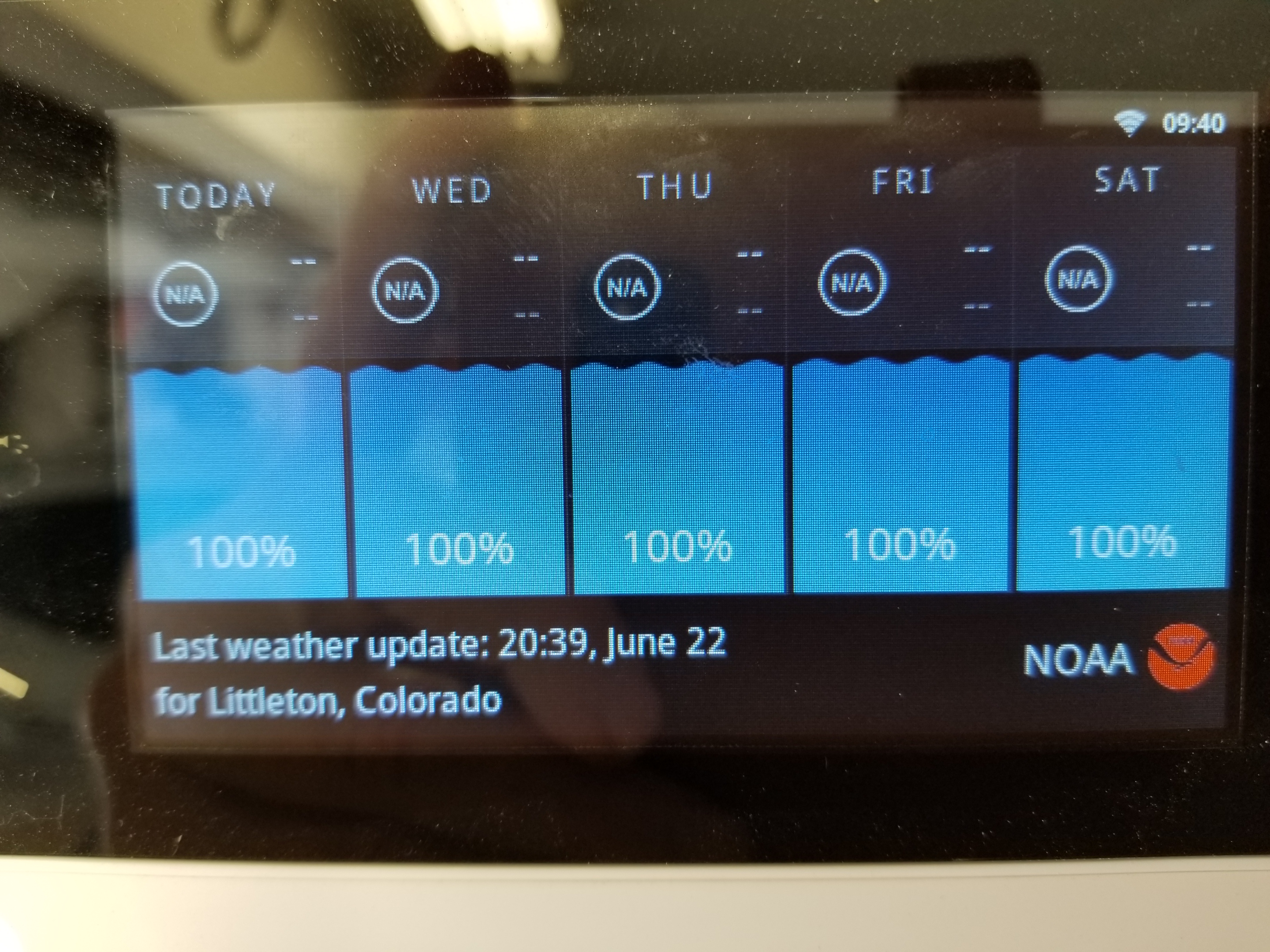
I have tried connecting to my main router (-55dBm) or the range extender (-45). I tried moving the extender into the garage with the controller. I have rebooted the router and range extender many times. I have assigned a fixed IP address to the device. I can access it reliably from my computer and SOMETIMES from my phone. It was working fine until June 22, although I didn't notice the lack of weather data til recently. I was able to update to the new firmware at the start of the watering season (device left unplugged over the winter).
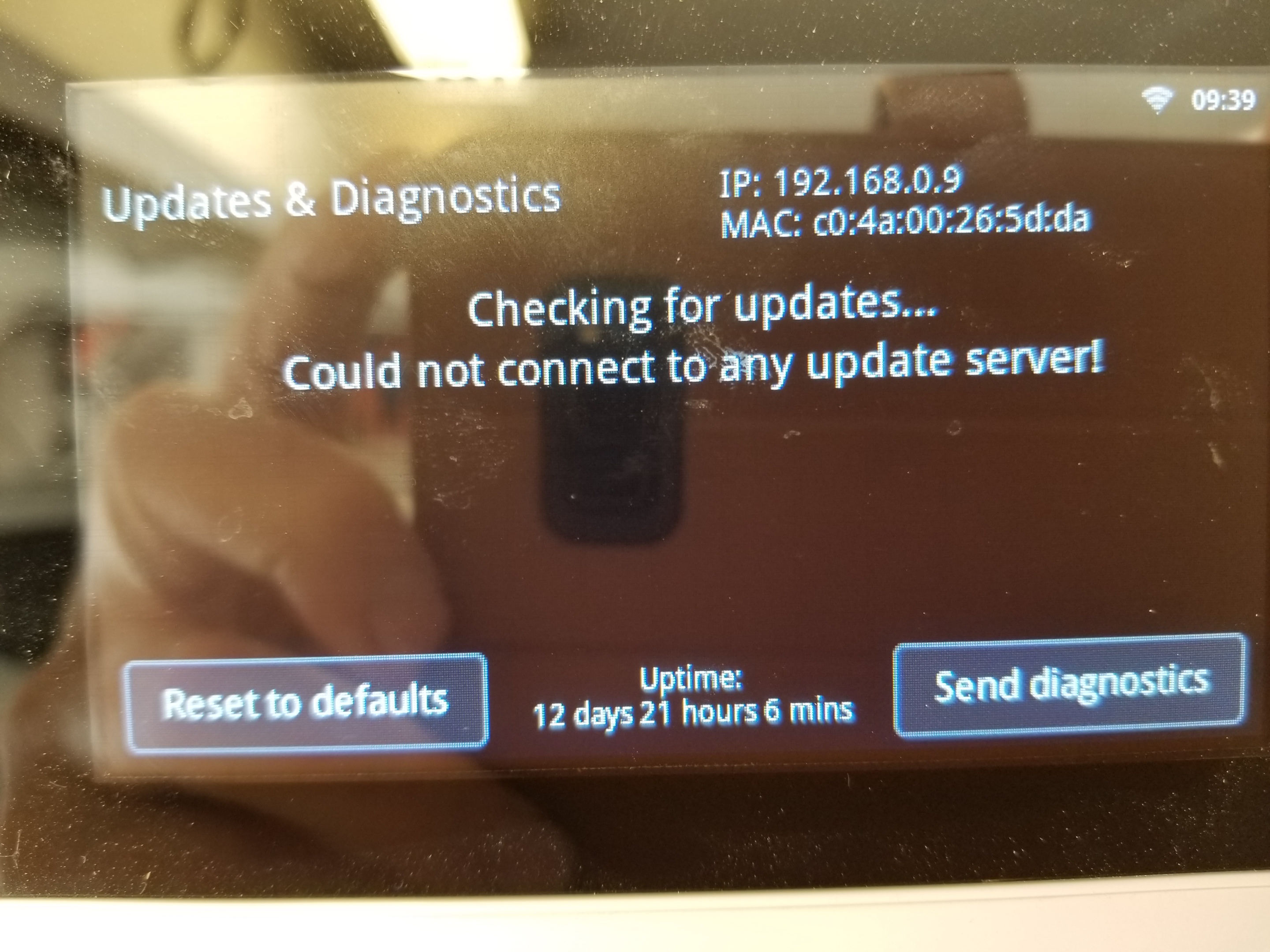
I just repeated those steps, but it still does not see NOAA or your updater server. What else would you like me to try? Is there a 3rd-party wireless adapter I could try? (I just now tried a TrendNet AC1200, but is not recognized by the controller.) Can I trade in this controller for a new model?
Thanks for any help you can provide.
Richard
-
Hi Richard,
When you changed to static, did you entered the DNS servers ? You could test using a Google DNS server like 8.8.8.8
I would put back DHCP considering that your router does send DNS servers correctly.
I will ask the sales team about the trade-in program and they'll contact you over email.
-
Hi Nicholas,
I assigned the static IP last year (to avoid conflicts with a dozen web cams and many other home automation devices). All worked fine last season (except that accessing the device via the phone app has never been totally reliable). I had no problem when I turned the system back on in May, so I am reluctant to revert to dynamic IP. The issue of NOAA failure began June 22, the last date the unit was able to gather weather data. I then updated the firmware to 3.74. The issue of not being able to connect to your FTP update server occurred AFTER the firmware was updated. I've never made any changes to my modem's DNS server address (supplied by my ISP). My ISP has advised me NOT to change the DNS server addresses, and I see no where in the RainMachine configuration to enter DNS addresses.
MY ISP's DNS settings:
DNS #1: 205.171.3.25
DNS #2: 205.171.2.25
Here is a link to a folder containing the device's diagnostic files and an image of my DSL modem status page: https://drive.google.com/open?id=0Bw8JQZfKjODeVjRoLWNfYkZUbXcLet me know if there is anything else you would like me to try, or other information you require. I appreciate your help.
Richard
-
OK, you were right. I disabled the fixed IP address and now the unit sees your update server and NOAA.
Sorry I was reluctant to take your advice--thank you for your help. For now you can consider this case closed, although I would be interested in upgrading to the latest model if I can do so at a reasonable cost.
Thanks again,
Richard
-
Well, I spoke too soon and am still having problems with my RainMachine. After I turned off static IP and rebooted router and device, it worked okay for a couple hours. I just tried to access it now and saw only the message "obtaining IP address." This failed, so I connected it to the wireless extension SSID and then it started working again. NOW I remember why I assigned it a fixed IP address: because it doesn't maintain a dynamic IP address. Any other suggestions?
Richard
-
I had done so, but Nicholas told me to revert to DHCP (dynamic IP). I did that and the unit was then able to access weather data again. However, access via phone or computer is less reliable as the IP address changes periodically. Also, the unit is not able to maintain US units of temp and continues to display only centigrade.I have changed this setting many times, both from the computer and on the device itself.
Also peculiar is that my Dashboard show that, yesterday, one program shows a 250& "water need" and others show only 125-140%. In general, it's working better now (with the latest firmware), but I still have the most problems accessing from the phone app (which I really need to turn zones on/off while making sprinkler head adjustments).
-
I'm still waiting on a response to my last message. The dynamic IP setting has made it difficult to address the RainMachine from my computer, as I have to check the current IP address through the phone app. The device does not consistently respond to the phone app, which makes access through the web interface necessary. Also, I am still unable to change from metric to US temp units although I have tried dozens of times. I would prefer to use the phone app but it is very unreliable. Any chance of updating the app?




Please sign in to leave a comment.
Comments
19 comments