Apple Home App Rainmachine Pro Cannot Manually Control Individual Zones
Fixed
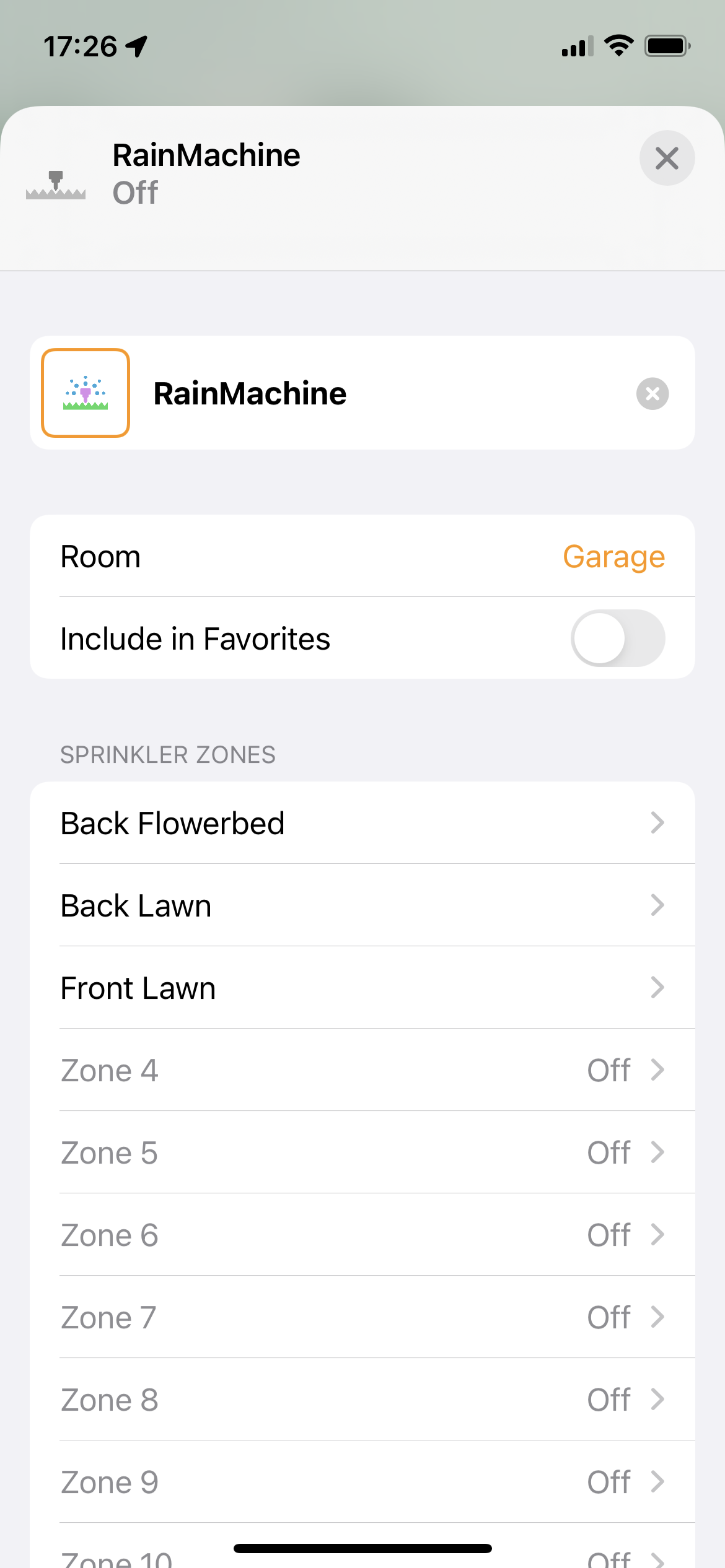
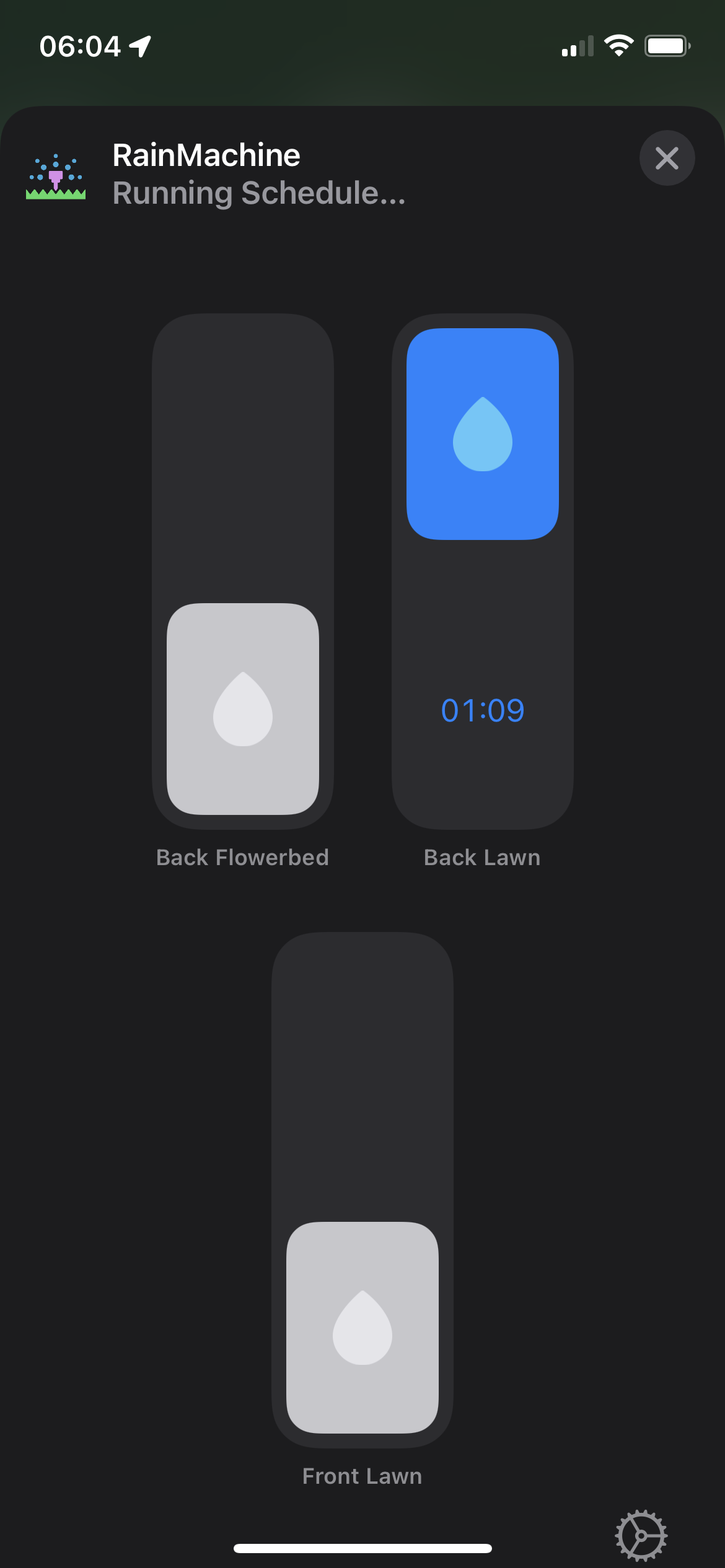
When I added the Rainmachine a while ago, I could control zones using the Apple Home App. I only have 3 zones and there were sliders present to turn them on for editable run times.
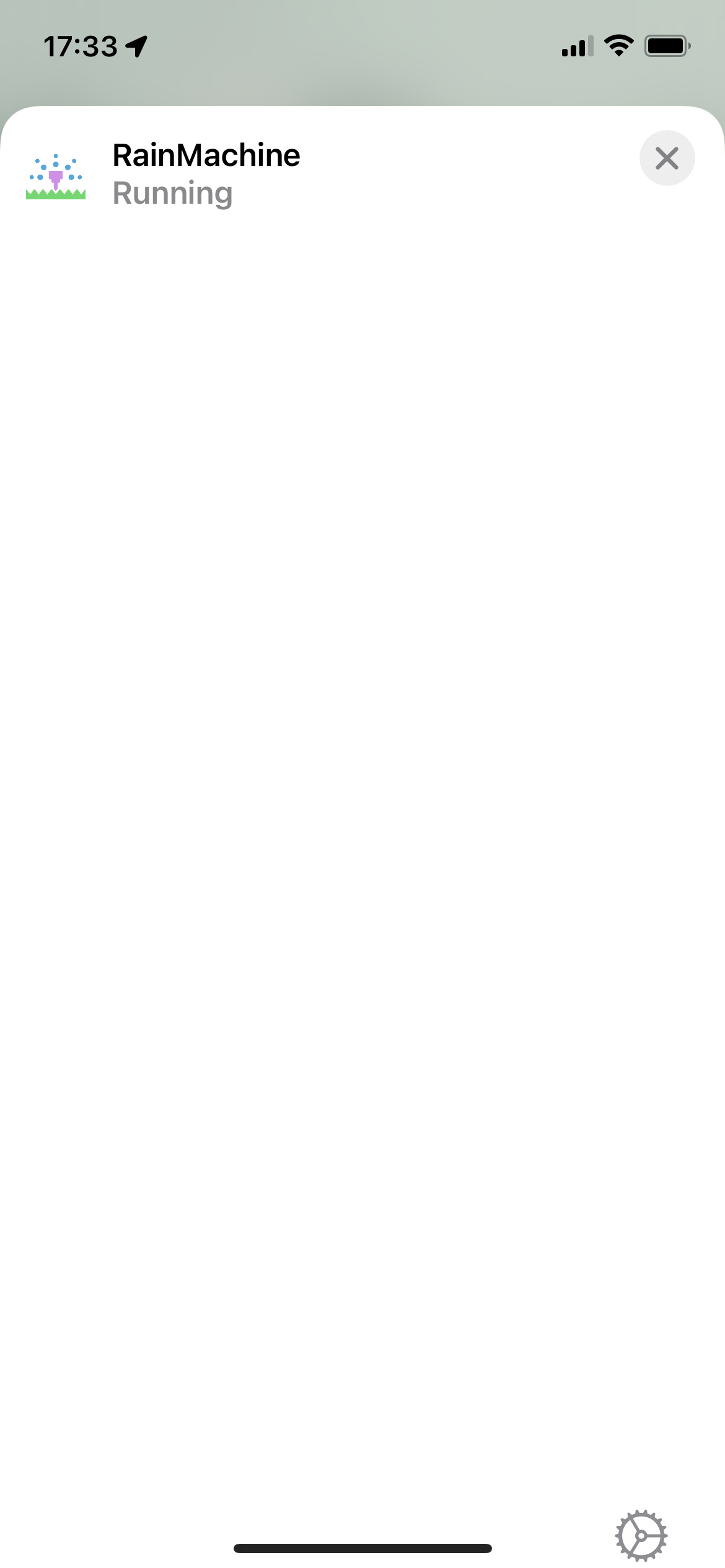
Now, when I open the Rainmachine device/accessory, there is only a blank page with no ability to manually control the zones other than through Siri. Siri works as usual but the Home app is just blank.
I tried un-pairing, rebooting both phone and Rainmachine and then re-pairing. Still nothing happening.
Could someone tell me how I can use the Apple Home again to manually control my zones please?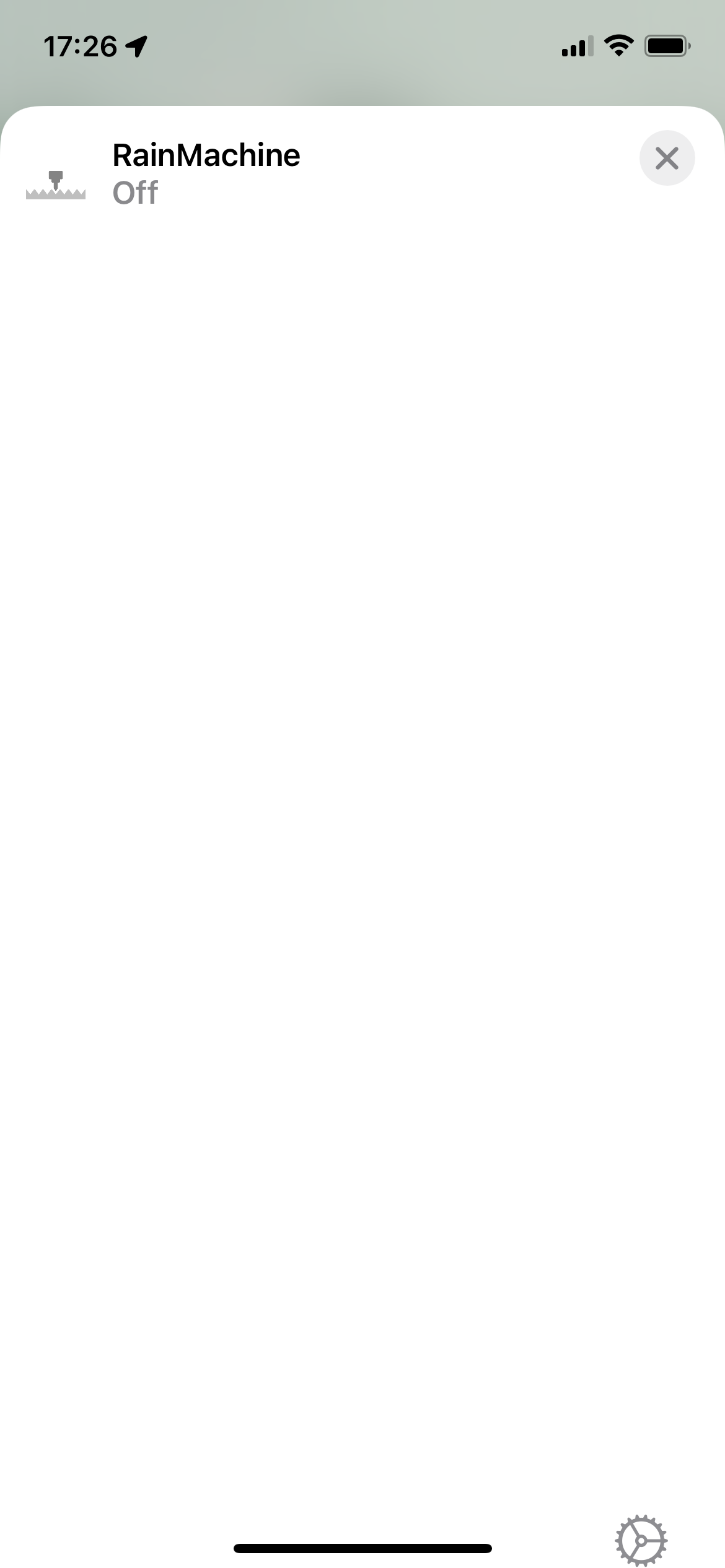
-

Hi, Abi
Yes, unfortunately, this is not from the RainMachine side, but from Apple implementation of the HomeKit Irrigation profile. After the successful pairing, the RainMachine part is over and Apple Home app takes care of the controls.
For iOS <15 there are no issues. We send them messages about this and we hope they can fix it.Anyway, to view the ON/OFF switches on Apple Home app, just "tap and hold" on the RainMachine Accessory name and they will show up. If you just tap it, they won't.
Let us know if that helps, Abi
Thank youJulian
RainMachine Support -
Yes, Abi
Thank you for letting us know.
Indeed is something strange that works with "tap&hold" and it doesn't work with the "single tap"
The "single tap" operation is also new on Apple Home app. On older versions you could open an accessory only with "tap&hold".Glad it is working for you.
Thank you
Julian
Please sign in to leave a comment.
Comments
3 comments