Web interface Pictures presented uncropped

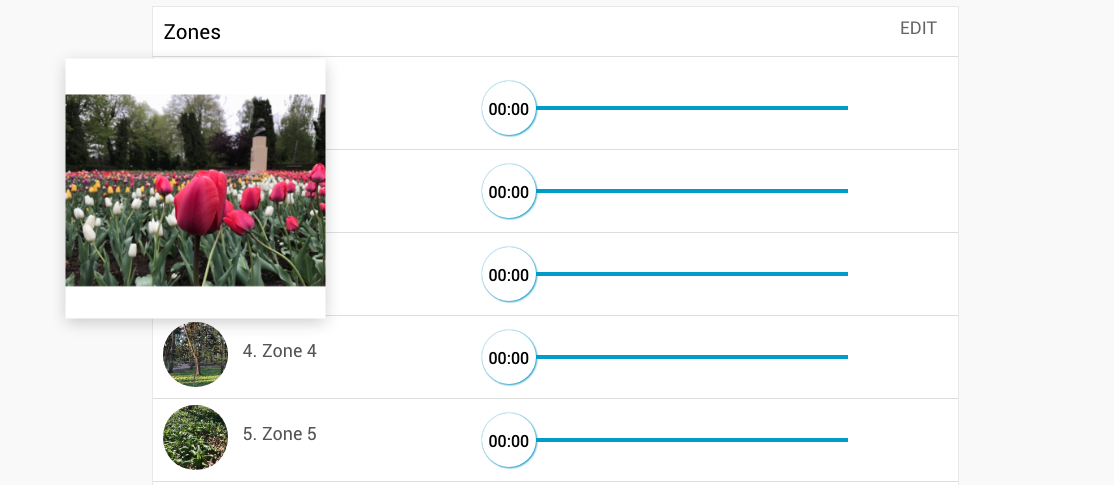
I added overhead aerial Pictures to my zones (coloring in the parts of the lawn to be watered since some sprinkler heads within a zone are not near to each other).
On my phone it looks fine but on the Web interface the Circular portrayal of these same pictures crop off so much area that some of my zones are not visible .
Can the Pictures in the web interface have the option to be shown in an un-cropped format ?
-

Hi Daniel,
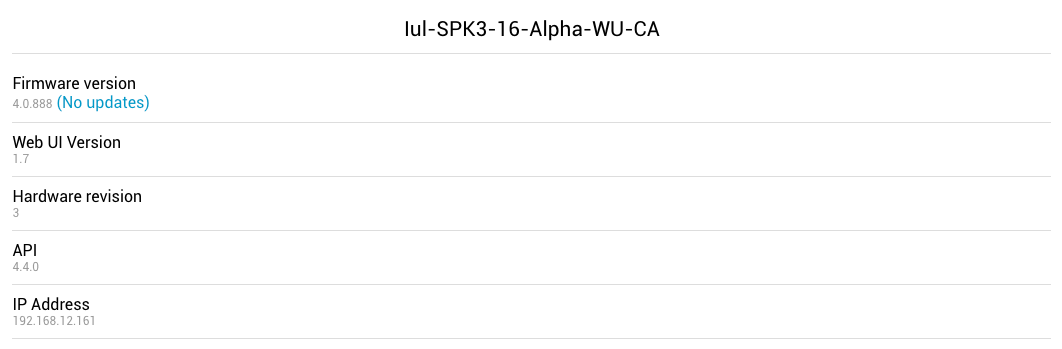
This will be fixed in the next update, which is currently in beta testing. You can see them by installing the latest Beta firmware version on the RainMachine device.
Please check the Beta Channel Changes article to learn how to enable the Beta Firmware Update.Regards,
RainMachine Team.
-

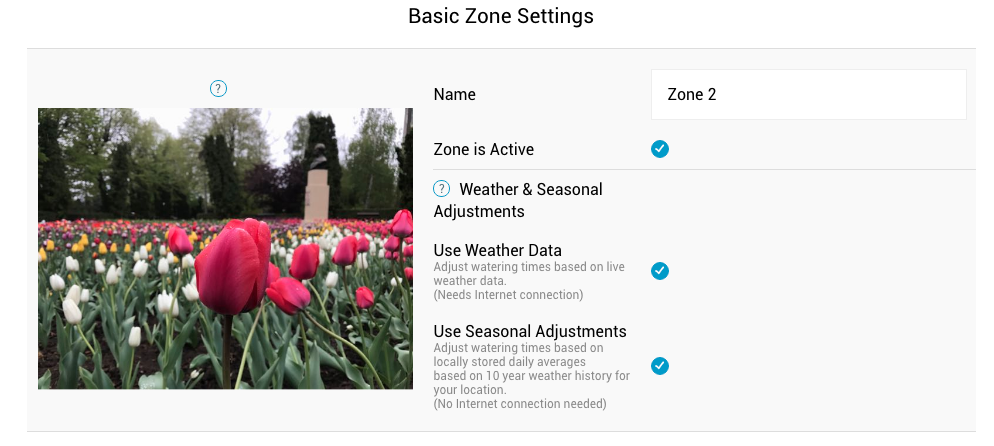
I have had the last two beta updates. I updated this morning (it threw my unit into a mess by the way). After getting things sorted out, I retook a picture. It still made me crop the picture. I am not saying cropping isn't necessary but it doesn't give me the option to simply use the entire picture.
-

I think I know what you mean. When you look in the mobile app on Zones screen you are seeing them in full, but when you go and enter into the Zone Edit screen the picture look cropped from top and bottom. I think this is for the screen estate reasons. You have important options listed under the image and they should be visible on the first screen. That's how I see it.
Thanks.
Josh.
Please sign in to leave a comment.
Comments
6 comments