Stop Program Using IPad app?

Having weed killer applied. They said don’t water for 2 days.
Is there an easy way to pause all zones and manually restart the program?
-

Hi, Jim
The Pause functionality if is that what you are asking is not yet available. It is currently in beta mode.
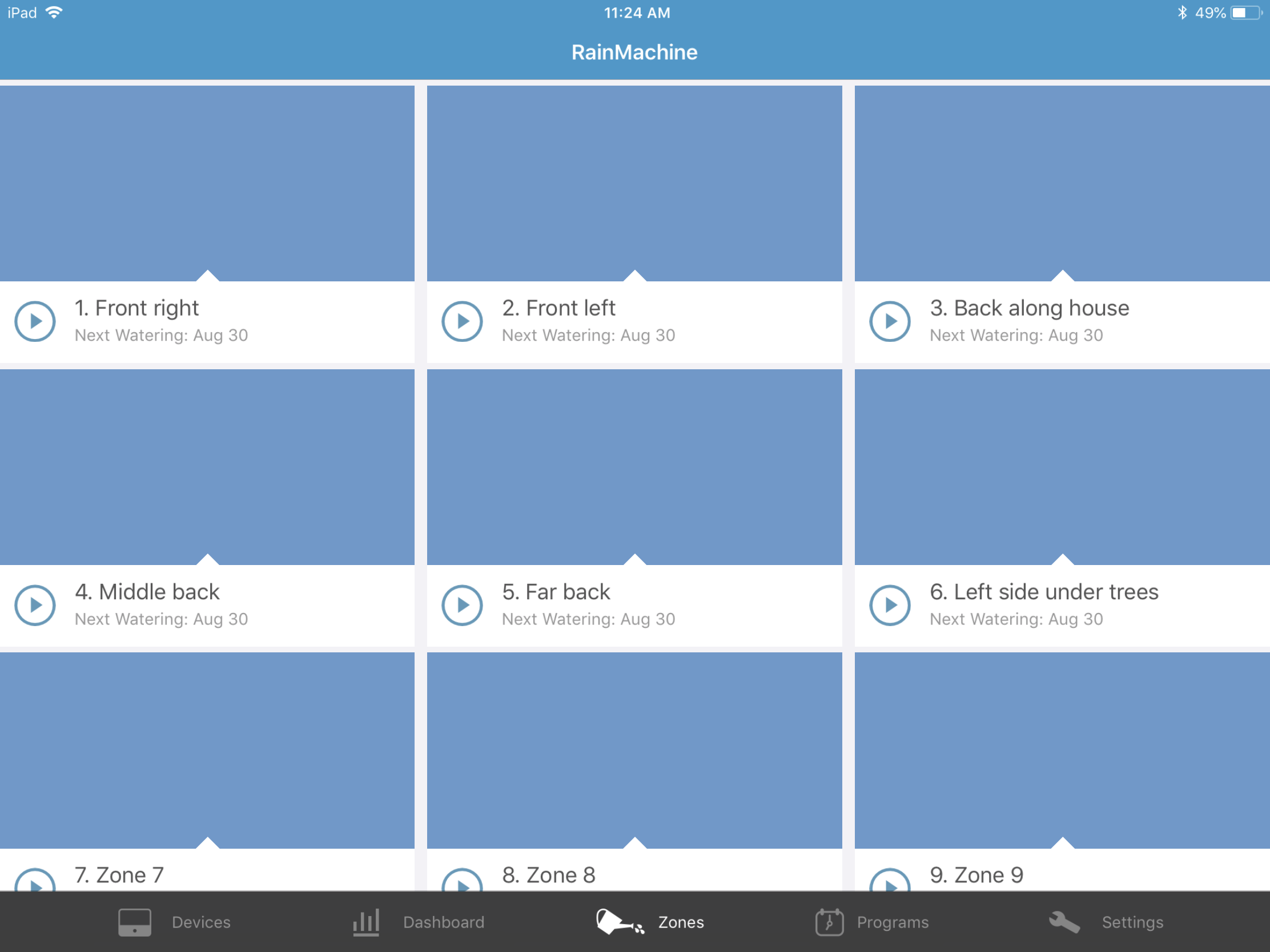
But if you mean that you want to manually stop the program (all zones) and then manually start the program again, then yes, you can do that. Tap on the "Stop All" button and then simply tap on the "Start" button in front of the program name from the program list.Hope this helps, Jim
Thank you,
RainMachine Support -
Not a very convenient way to approach this problem. The program starts around 2:00 am and runs for 30 minutes for each zone.
This was set by the installer.
It's surprising that you don't have a pause button on the main program screen. It has the start (>) button which is great but am I the only person who has this system that wants to pause the sprinklers for an undetermined amount of time?
Jim T
-
Hi, Jim
As we said, you can use the SNOOZE option for the future starting activities.
You will not be awake at 2:00 AM to pause it, right? So, if you don't want your 2:00 AM program to start, snooze the RainMachine for 24 hours, or 12 hours depending on how long till 2:00 AM you got and how long the program will run.The Pause functionality will be available, right now it is currently in Beta version of the iOS app and RainMachine firmware.
Thank you for your understanding, Jim
RainMachine Support
Please sign in to leave a comment.
Comments
14 comments