Issues with RainMachine 12HD can’t connect in the app (no RainMachine found)

Hi,
My RainMachine has been working fine for nearly 1 1/2 years now and just recently I’m having conection issues. It keeps dropping out and saying it’s offline. I reconnected it to the wifi today and it says I’m connected and I deleted my account on the app and now it won’t reconnect on the app. It says The RainMachine associated to my email address is not connected to the internet. How do I fix this and get my app going again. It says No RainMachine found on the app. Any help would be appreciated
cheers Tim
-

Tim,
I have been having the exact same problem just as you describe it and I did the same troubleshooting. This all seems to coincide with all the updates they have pushed out in a haphazard pace. In April, it worked great. Now finicky and may or may not respond to a restart or reboot, but success is fleeting with NO stable operating system. My WiFi strength reads 47dB so signal is not a problem.
Rain machine, why have you forsaken us when many people have the exact same problems. Why can't we have reliable steps to fix this. DO we need to go back to an operating system previously to get a functional device back???
-

Just wanted to join in, as I am having a similar connection issue which started in the last couple of months. The app will show my Rainmachine as offline or it will never connect once I select the device. My wifi signal shows good on the device itself, yet I cannot rely on my phone app to connect to it anymore. Typically, if I unplug the Rainmachine and then let it restart, the app will connect and all will work fine for a while. But it is never consistent anymore. Not sure what to do, but it is very disappointing. For the first year or so, everything worked flawlessly but not now.
-

It works good WHEN if works. My problem is with the APPS. It stopped working on my Samsung S10+. The APP was working good on my Samsung (Galaxy A7 Tablet). The APPS do work good my wife APPLE phone. Its more convenient to walk-out to my yard and check my sprinklers with my phone than my tablet. It save me from having to run back and forth to the main panel in the garage when I do the Sprinkler periodic adjustments.
My wifi is good. The problem is isolated to the 192. assignment. My wife phone uses 192.168.1.60. My phones wants to use 192.168.1.59
The Rain Machine website will work on my phone as a "saved favorite chrome" , but the interface is not efficient as the app.
I have re-installed the apps several times on both devices.
-
This is how I corrected this problem for me, and it is not obvious.
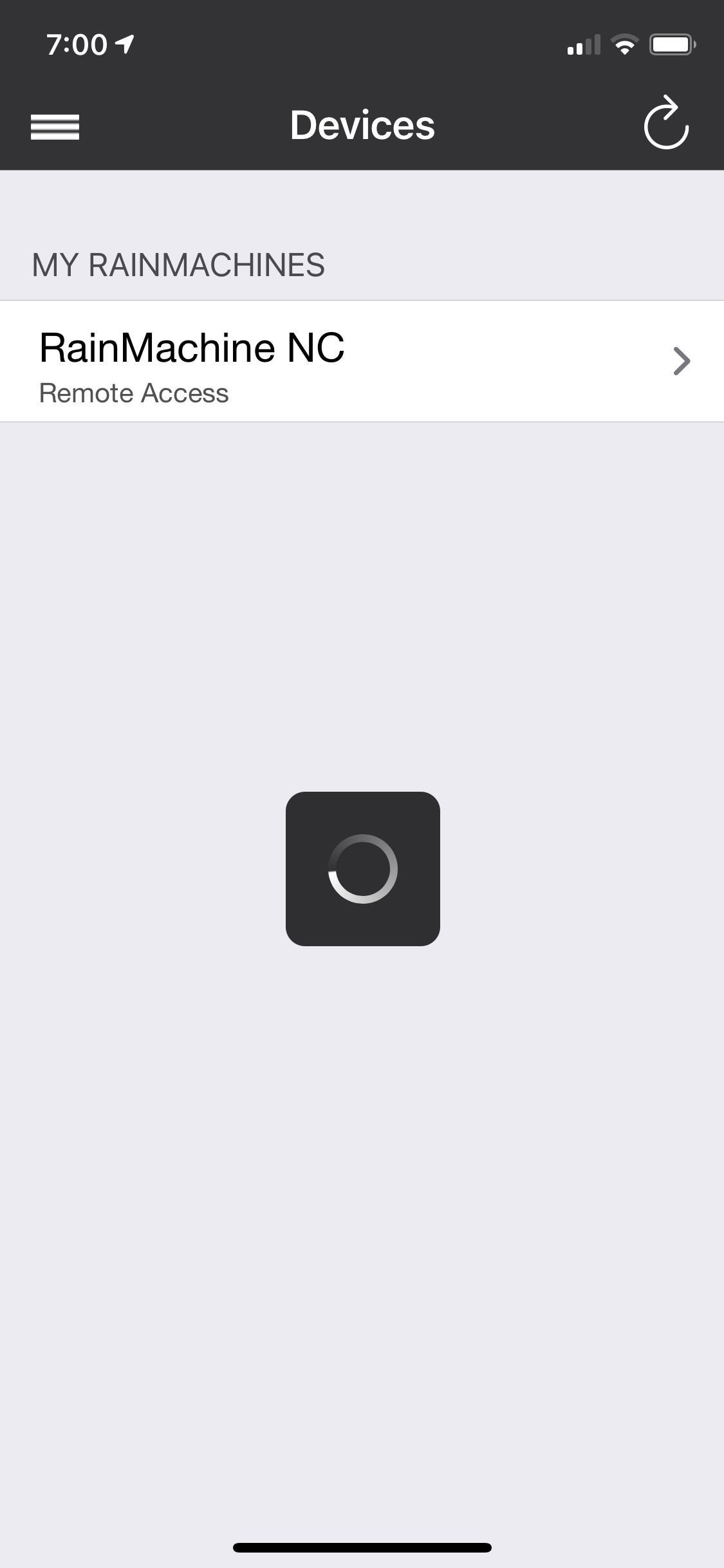
Download the Phone App (if you have not already). Click the sandwich icon (top Left corner) ? click Network settings > turn-off Local discovery, then it will default to REMOTE ACCESS > go back to the Home Screen and Rain Machine 12 should appear (tap on it) > now all of your ZONES should appear (or come back).
####################################################################################################################
They confuse you in the phone app, when click Network Settings > that you have turn on "Local Discovery" - you DO NOT. REMOTE ACCESS works great for on my phone (Samsung S10 Plus), but my wife's phone (Apple Phone) use "Local Discovery" ???
It also works on my tablet (Samsung - Galaxy A7), as well the same way


Please sign in to leave a comment.
Comments
6 comments