Now Android Can't Connect Remotely Under Premium Service
Fixed
For some reason, now my Android phone can't connect remotely (paid premium member), when it has in the past after paying for the remote service. My iPad and my wife's iPhone have no problem connecting when away from our home network as it has in the past. What gives? Everything was working as it should last week when I last used my phone away from home.
With paying for premium service and support, let's see if this can get resolved sooner rather than later.
-

Hi, David
Please contact us directly and let us know the exact RainMachine Remote Access email address that you purchased Premium Services for.We tested the current RainMachine Android app on Android 13 release and there are no issues other than the mobile push notifications not being delivered. We know about the issue and we are working on a fix.
Let us know what version of Android device you are using and the exact issue you have.
- does the account correctly signing in?
- do you see your RainMachine listed on DEVICES screen?
- your Android device is connected to the same wi-fi as the iPhone/iPad when it doesn't work?
- the iPhone/iPad use the same RainMachine Remote Access account as the Android device?Let us know.
Thank youJulian
RainMachine Support -
Julian - thanks for the prompt reply. To answer your questions...
- Email address used on all the devices and web interface is davelac16@gmail.com (works as it should for iOS and Web)
- Using Android Version 10
- Account signs in correctly on all devices
- Yes, both my phone and iPad are on the same remote WiFi network (at work for example)
- Yes, both use the same access account
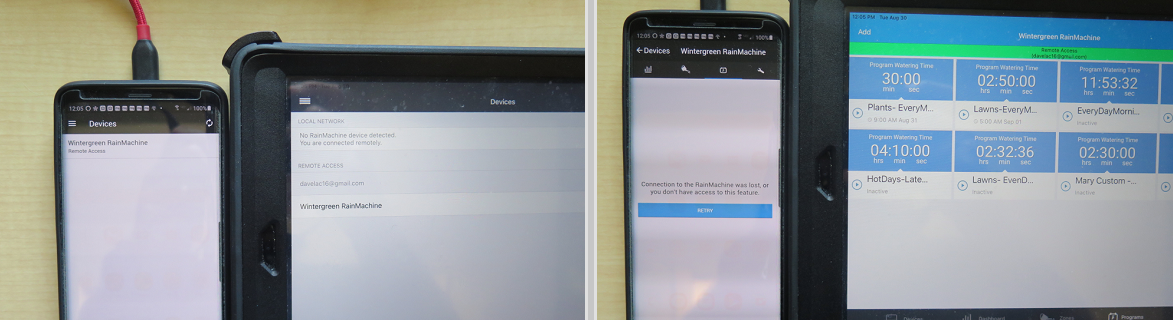
See screenshot below - if i try to look at my Programs, the iPad displays as it should, but my Android phone just displays the "Retry" screen, or it will attempt to reach out to my Pro-16 and just show the moving bars while it attempts to download info from the unit.
I'm hoping this is just a minor glitch on the Android side that can be easily fixed.
-
Hi, David
Thank you for all the info.Please remove the account from the Android mobile app and then add it again, or you can simply empty the RainMachine Android app cache from the Android system settings - Apps - RainMachine and try to add the account again to fetch a fresh data from the RainMachine device.
Let us know if that helps.
I already sent this to our developers to have a look.Thank you
Julian
RainMachine Support -
Julian - re-installing the RainMachine app (as you suggested) on my Samsung phone seems to have restored my ability to remote in to my Pro-16. I can use either a remote WiFi connection or cell service to establish the connection.
Will keep you posted if I encounter other issues. Thanks.
-
Hi,
When you sell your house you should remove your RainMachine Remote Access email account from the RainMachine device and let the new owner take over. Unfortunately, the 1-year Premium Services subscription is linked to your RainMachine Remote Access email address and not the RainMachine device.
Have you tried to remove the account from the RainMachine Android app and add it again, just like David did?Let us know
Thank youJulian
RainMachine Support -
Julian @ Rainmachine...OK - the remote access seems not to be working on my Samsung phone today. Just uninstalled and re-installed the app per your previous recommendation back in late August, but it's doesn't resolve the problem. Only have a few more weeks left to our irrigation season, so would like to know that this glitch will go away soon. Thanks.
-
Hi, David
We would need more info. Please let us know if you can access your RainMachine device using Web app (https://my.rainmachine.com remotely) or locally by input your RainMachine local IP address.
We do not have any issues with the latest RainMachine Android app on our Samsung and Huawei phones with the latest Android system update installed.
Thank you
Julian -
Julian - I don't have an issue accessing the Pro-16 from my office PC or my iPad at work, and my wife's iPhone connects remotely without an issue, so it's something related to my Android phone, which was connecting fine up to a few days ago. No problem when I'm on my local network.
Here's some screen shots from today...
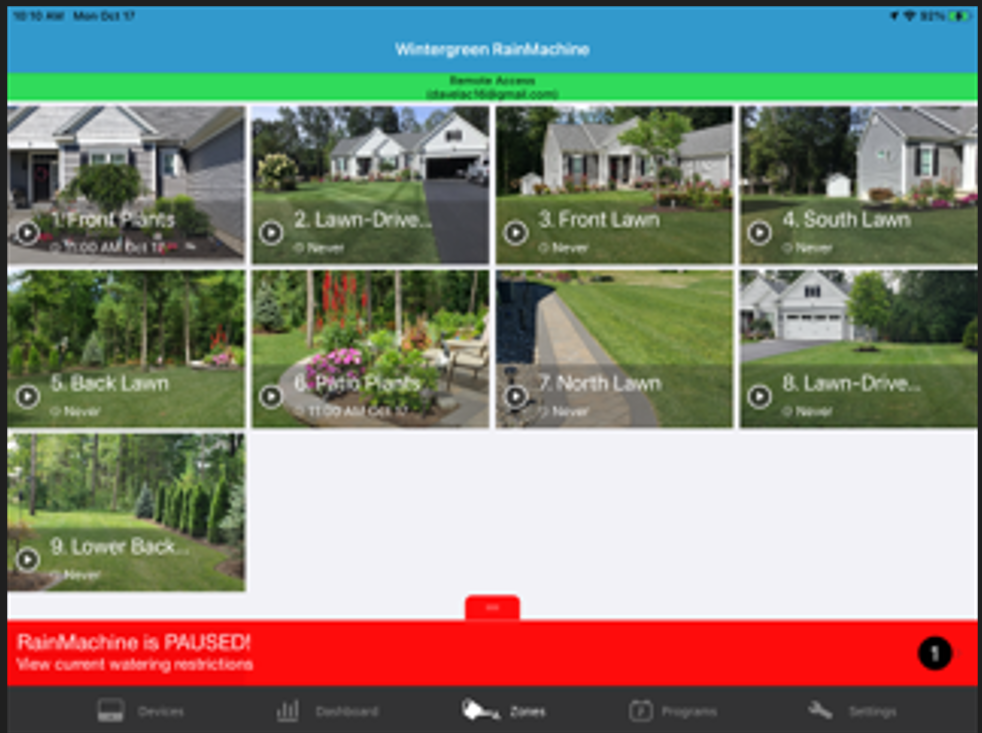
Good on iPad from work
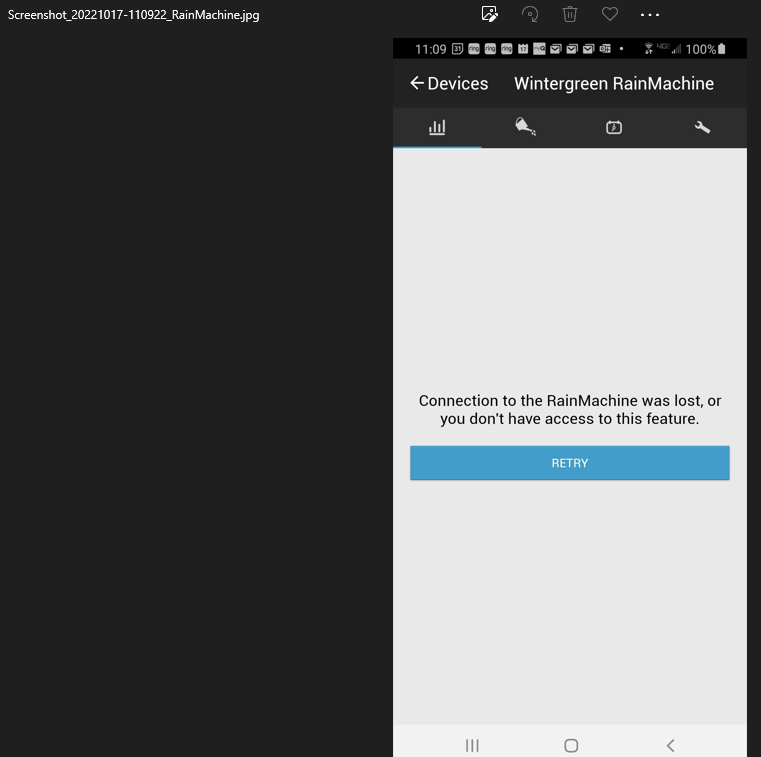
Error on Samsung phone
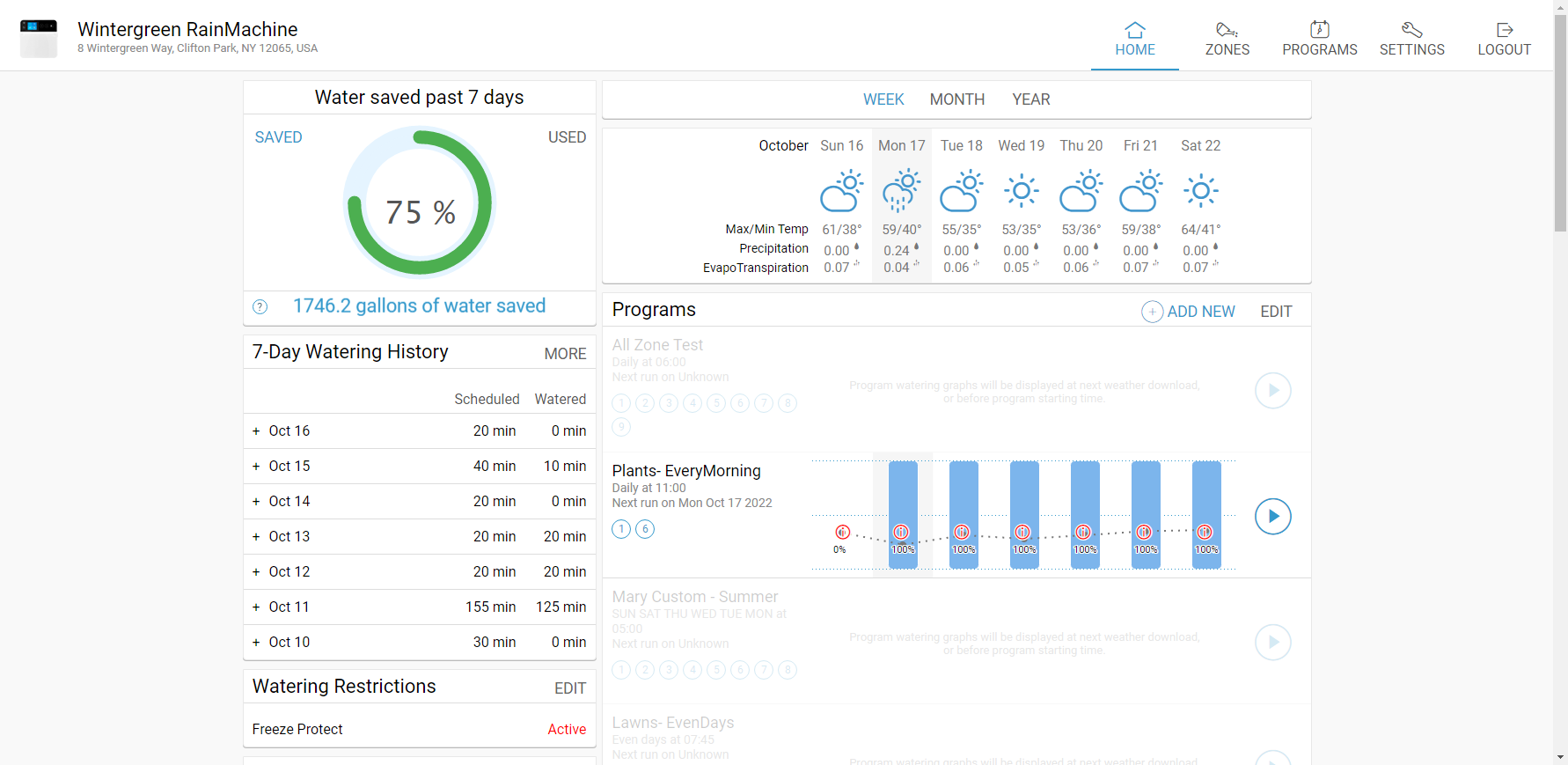
Good on remote on the web from work


Please sign in to leave a comment.
Comments
14 comments