Latest App Update Renders Rainmachine Usless !!!

I installed a new mini 8 a few years ago. It worked great until I updated the iOS app yesterday. Now I cannot connect to the mini 8. I have seen the recent posts from other people having the same problem. None of the instructions or trouble shooting works. Here is what happens in my case with this POS app version. First, I made NO changes to my network or iPhone. I simply updated the app on the iPhone, and then could not access the mini 8. I decided to "reset" everything, and set it up all over again as if I was installing the mini 8 fresh out of the box new. I uninstalled the iOS app and reinstalled it, and I "reset" the mini 8 by holding down the rest button for 15 seconds, let it come back up, then held the reset down again for 5 seconds and let it come back up. I then worked through the setup steps. The setup steps worked as documented up to a point. I got to the point where the mini 8 disables its' own built-in WiFi access point and connects to my local network, and the iOS app connects to the mini 8 over my local network. This is all supposed to happen automatically after you enter the configuration for your local network in the iOS app as part of the setup process. It failed and presented a message stating that the iPhone and Rainmachine did not connect to the same network.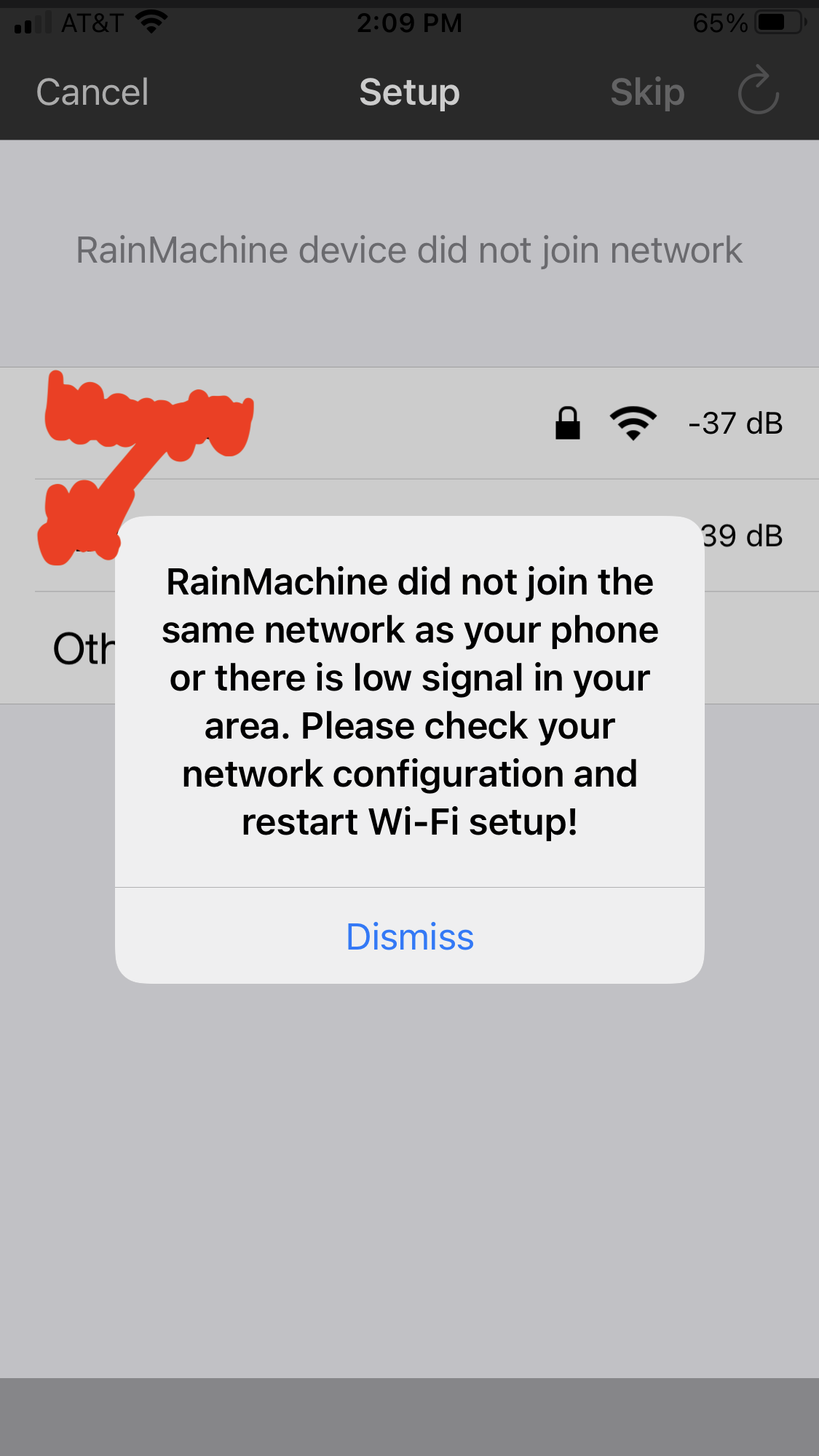 This is an invalid, BS error message. The -36db shown is a plenty strong signal (and I'm using the same wireless router that worked before). Additionally, the mini 8 and my iPhone ARE connected to the same local network as I can see and verify in my WiFi router administration console. I selected "dismiss" in the message show and the Rainmachine was not added to the iOS app (as expected). I tried to connect to the Rainmachine "directly" following the steps to add a direct connection. This results in the iOS app just spinning and spinning, and never connecting.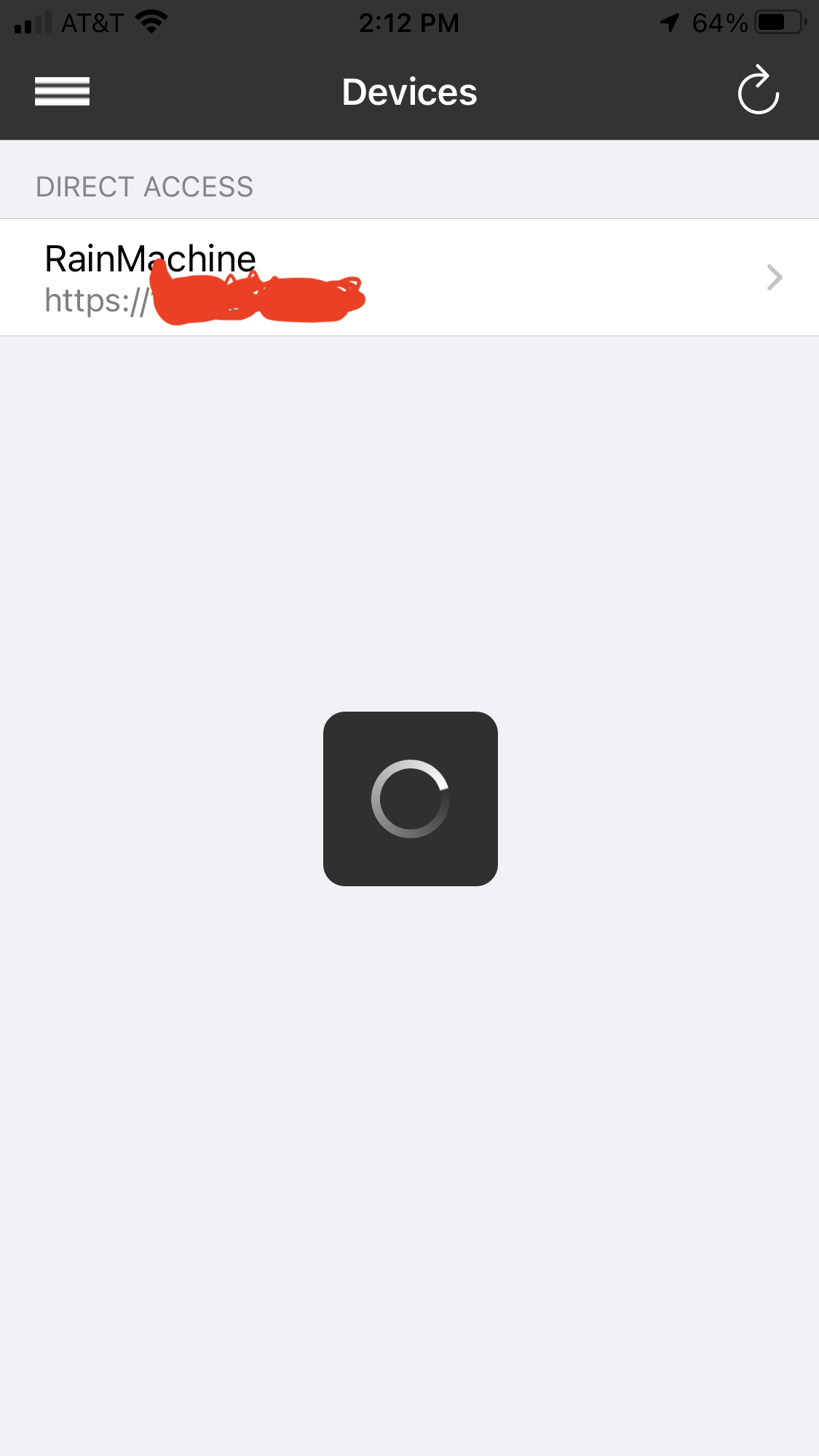
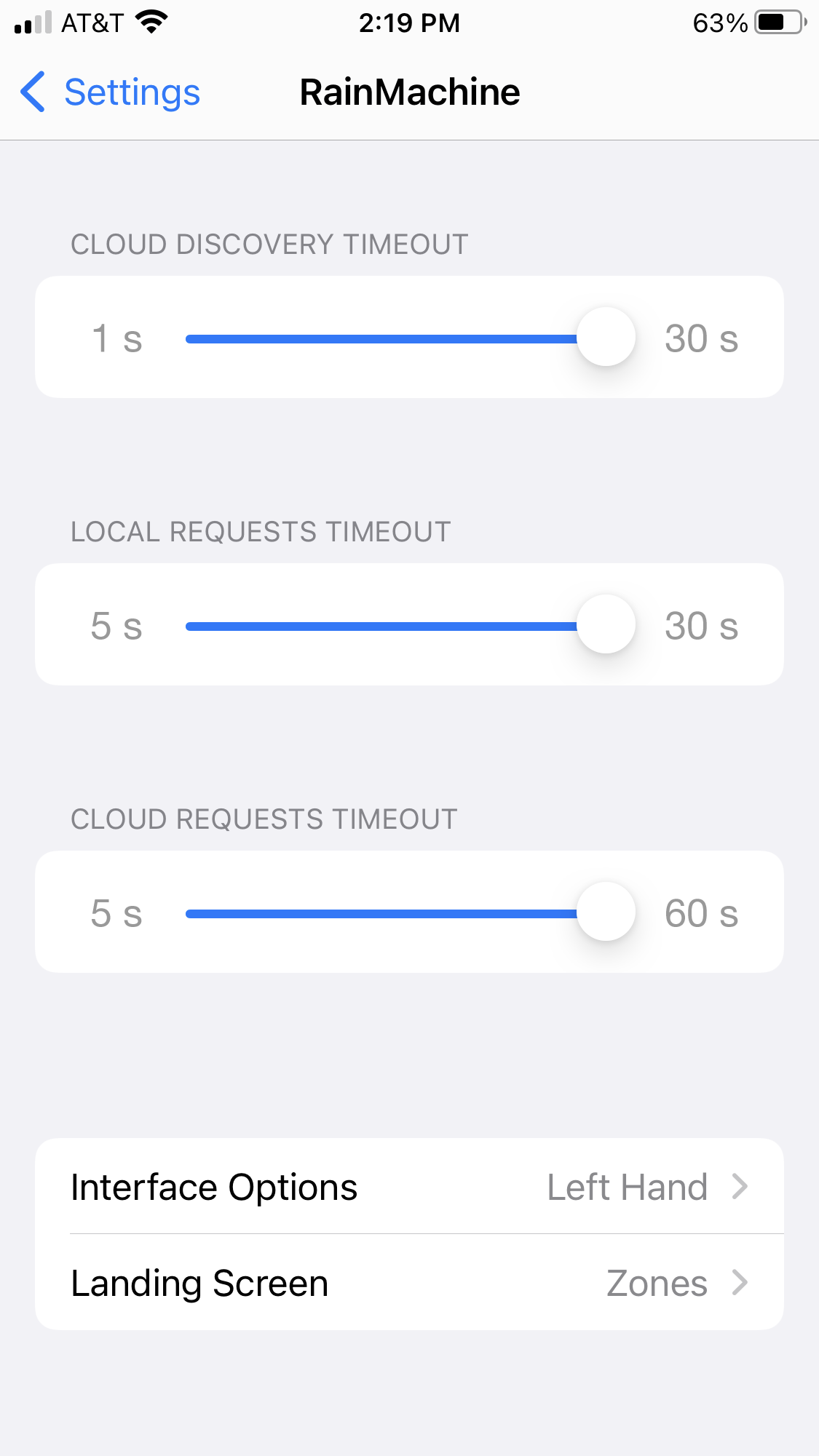
I followed all the instructions, including allowing Local Network access, notification, access to HomeKit, etc. I have verified that none of my local network settings are blocking connection, which I already knew they are not because it was working before I updated the app. I also increased the time out setting in the iOS app to maximums as seen in the screen shot. 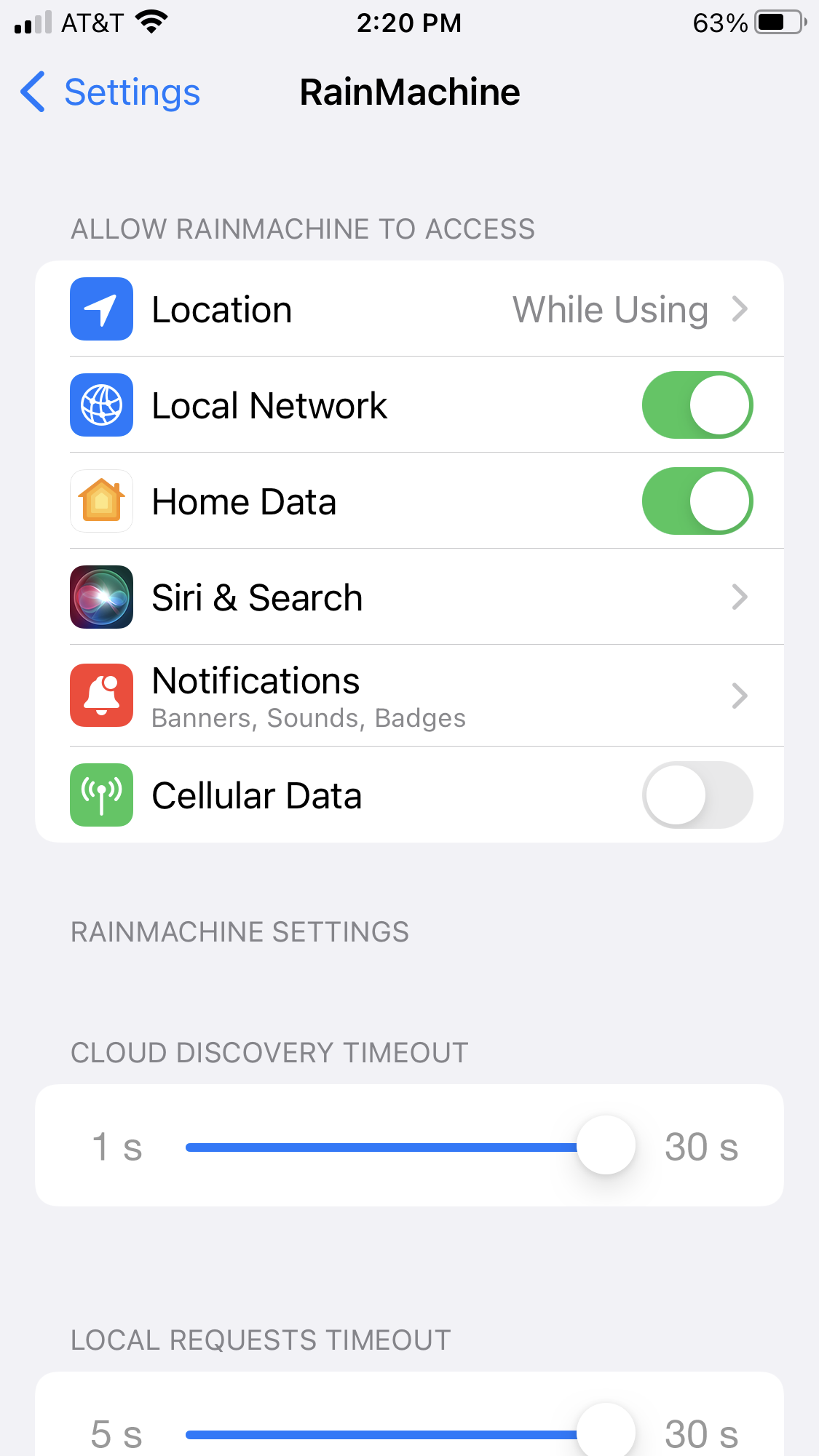
When is Rainmachine going to provide an app that works ??
-

Hi, Dave
We're really sorry about this experience you have.
We just tested on our side with the latest iOS app version from Apple AppStore and everything was working without issues.
We used one wi-fi internet router that has one 2.4Ghz SSID and one 5Ghz SSID different names local wi-fi networks.
For the tests we used only the 2.4 Ghz network since the Mini-8 does not connect/knows the 5Ghz one.Let's recapitulate:
1) You Factory Reset the Mini-8 device by pressing the RESET button for 15 seconds (no need for another 5 seconds press because Factory Reset wipes everything).
2) The "A" appeared on the Mini-8 screen
3) You opened the iPhone iOS Wi-Fi settings and you connect to RainMachine-XXXXXX AP setup network (no internet available throught it, and that's the way it should be).
4) You opened the RainMachine iOS app on your iPhone and tapped on the RainMachine-XXXXXX "setup" from the DEVICES screen
5) It asked you to connect the Mini-8 to your local Wi-Fi network from the list (right now, the iPhone is connected to the Mini-8 AP)
6) You entered your local 2.4 Ghz Wi-Fi network password and the Mini-8 started to connect to it. Once connected the Wi-Fi logo will stay fully ON and won't flash.
7) After the Mini-8 is connected to your Wi-Fi network, the iPhone automatically disconnects from the Mini-8 AP and will try to connect to the same 2.4Ghz wi-fi network.
Now - you got that error popup message that says that the iPhone is not connected to the same Wi-Fi as Mini-8.
That's because:
- the iPhone connected to the first Wi-Fi network it found available after the Mini-8 AP shutdown because the Mini-8 already connected to your Wi-Fi local network.
We recommend: forget your other networks your iPhone can connect after it disconnects itself from Mini-8 AP mode
- your iPhone fall-back to mobile data as soon as it disconnected itself from Mini-8 AP.
We recommend that you switch off the mobile data when you setup the Mini-8 device.Direct Access for local access of the RainMachine device works by adding the RainMachine Mini-8 local static IP address like:
https://192.168.1.100:8080
where 192.168.1.100 is you Mini-8 local static IP address, but first make sure you connect the Mini-8 to your 2.4Ghz local Wi-Fi network.
No need to censor your local static IP address in your screenshots since it is local and not public.The RainMachine iOS app setup and Local Network discovery and access steps for RainMachine Mini-8 device haven't been changed since the release of the RainMachine device on the market.
Thank you, Dave
Julian
RainMachine Support -
Thanks for the reply Julian.
Please be aware that I have been a professional technologist in IT for decades. I know networking, computing, IoT and application technology pretty well.
No offense intended. Your reasonable assumption is incorrect where you state the following:
That's because:
- the iPhone connected to the first Wi-Fi network it found available after the Mini-8 AP shutdown because the Mini-8 already connected to your Wi-Fi local network.My iPhone is and was set to only connect to my one 2.4 GHz WiFi network. When the Mini-8 AP shutdown my iPhone immediately auto connected to my one 2.4 GHz WiFi network. That is the only network it is configured to connect to, which is the same network that I connected the Mini-8 to. My iPhone did not connect to the "first Wi-Fi network it found available" because it is not configured to do that. It is configured to only connected to the same 2.4 GHz network that the Mini-8 is configured to connect to. Additionally, I followed the "Direct Access" steps you provided with the example where "192.168.1.100" is the IP for the Mini-8. This failed as seen in the screenshot I provided above.
Both the Mini-8 and my iPhone are connecting to the same network. I can see them in my WiFi router tools/screens. The Mini-8 responds to a "ping" and a trace route successfully. So the Mini-8 is on the network and it does at least fundamentally respond/communicate over the network.
The situation is like the Mini-8 will not respond properly to the request from the iOS app, or the iOS app is not handling the response properly, or the firmware on the Mini-8 is somehow messed up.
Is there an API on the Mini-8 that I can access over a web browser or other method to check it's function? I never updated the firmware on the Mini-8, so it has the original firmware version from a few years ago. Could this be the issue? Is there a way for me to update the firmware on the Mini-8 to the latest version without using the iOS app (since it does not connect)? Note that I setup Apple TestFlight and installed the Beta version of your iOS app, then ran through the process again. I got the same results. Also, my iPhone iOS version is 15.5 if that makes any difference. Thanks for any further information or ideas.
-
Hi, Dave
Thank you for your reply.
As you can understand I didn't knew your wi-fi network setup scenario and I just wrote the troubleshooting steps that worked with other users. Also, I did wrote them again here on the forum and because it is a public conversation it would help others that reads it.
Thank you for clarification.Yes, you can access/control your Mini-8 using a desktop web browser. The desktop needs to be connected to the same local network.
Type https://192.168.1.100:8080
Agree to security certificate warning and then enter your Mini-8 password. You will then be able to use RainMachine Local web app saved on the Mini-8 device itself.
Learn more about Local Network Access:
https://support.rainmachine.com/hc/en-us/articles/7116888557719-Local-Network-AccessIf the Mini-8 is connected to your wi-fi network and internet connection is available, then access Settings - About and it will automatically check and let you know if there is a new firmware update available for it. You can choose to update or no if it finds any.
For the latest firmware update releases, please check this:
https://support.rainmachine.com/hc/en-us/articles/230344008-Device-Firmware-2nd-gen-2015-and-up-Also, learn more about controlling the RainMachine through RainMachine REST API
https://support.rainmachine.com/hc/en-us/articles/228022248-Controlling-RainMachine-through-REST-APIThank you, Dave
Julian
RainMachine Support
Please sign in to leave a comment.
Comments
3 comments