Can't use my.rainmachine.com. Blocked by upgrade

Click on 'delicias RainMachine'
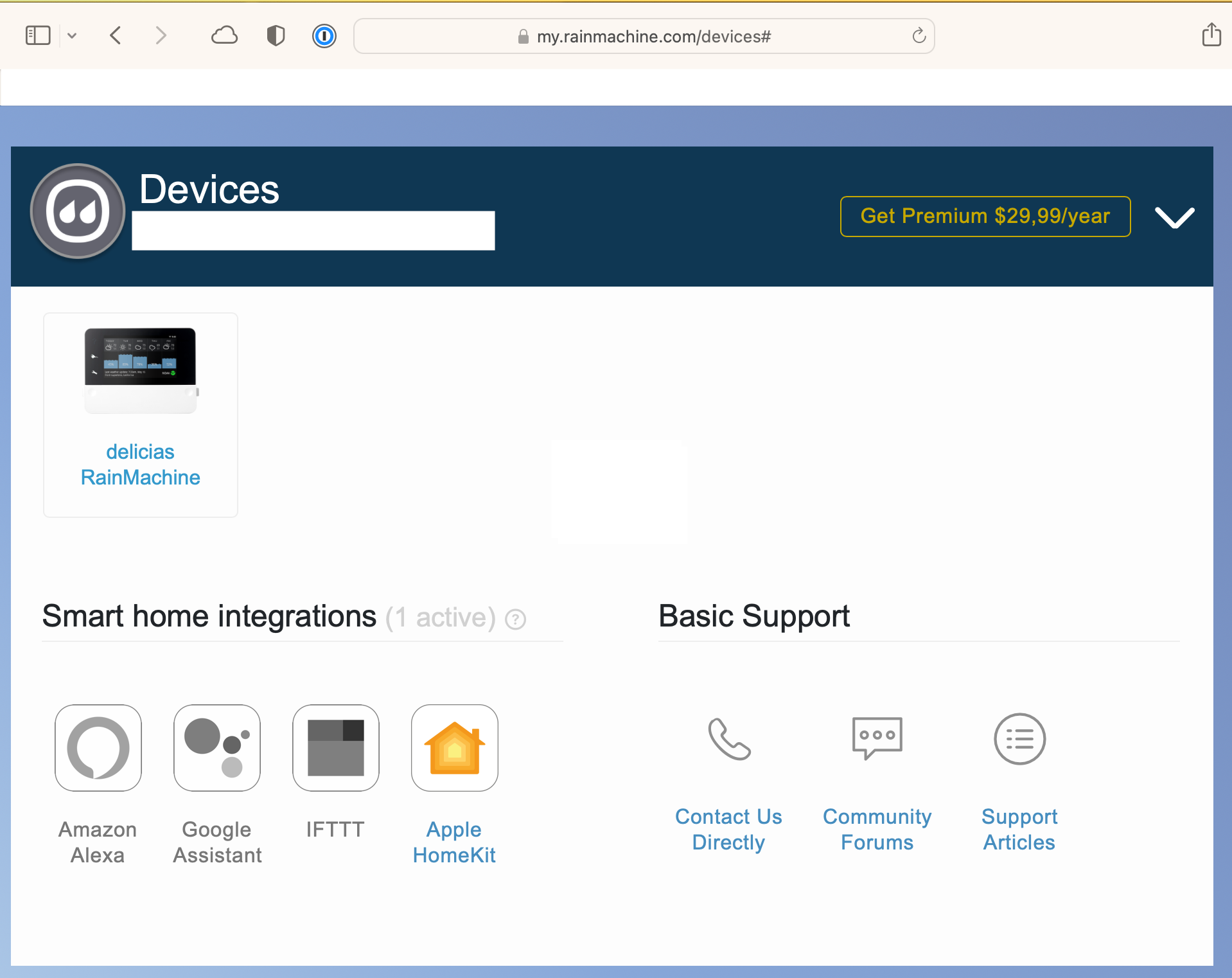
and get 
A log in screen flashes on while the second page popup comes up.
iPhone app is OK, but in Safari or Chrome the same problem.
-

Hi, L&G
You are trying to access your RainMachine locally through a web address.
To access the RainMachine using a desktop browser from a computer connected to the same local network as the RainMachine device you will need to access the RainMachine Local IP address.
Using the iPhone RainMachine iOS app go to Settings - About and note down the IP Address.
Open the desktop browser and type that IP address as:
https://192.168.12.100:8080
where 192.168.12.100 is your RainMachine IP address.Please learn more about the Local Network Access
https://support.rainmachine.com/hc/en-us/articles/7116888557719-Local-Network-AccessHope that helps.
Thank youJulian
RainMachine Support -
Julian
Thanks for responding.
"You are trying to access your RainMachine locally through a web address." Exactly. So what?
This used to work, why did it get broken? I shouldn't have to read an article to do something that used to work. The device shows up in the screen I posted. Why can't you not block the login?
I'm seeing a different URL http://192.168.1.238:8081/ui/ than you suggested. The other problem with RainMachine is keeping track of the password(s). It seems I end up with passwords to support.rainmachine.com, zendesk and the unit.
This is unacceptable breaking or making it harder to use something I purchased. I appreciate that you're adding features but still unacceptable. You didn't even admit that this is a bug or intentional attempt to extract more money from your customers.
Please sign in to leave a comment.
Comments
2 comments